

## Vidmore Player Mac – Trình xem Video mọi định dạng
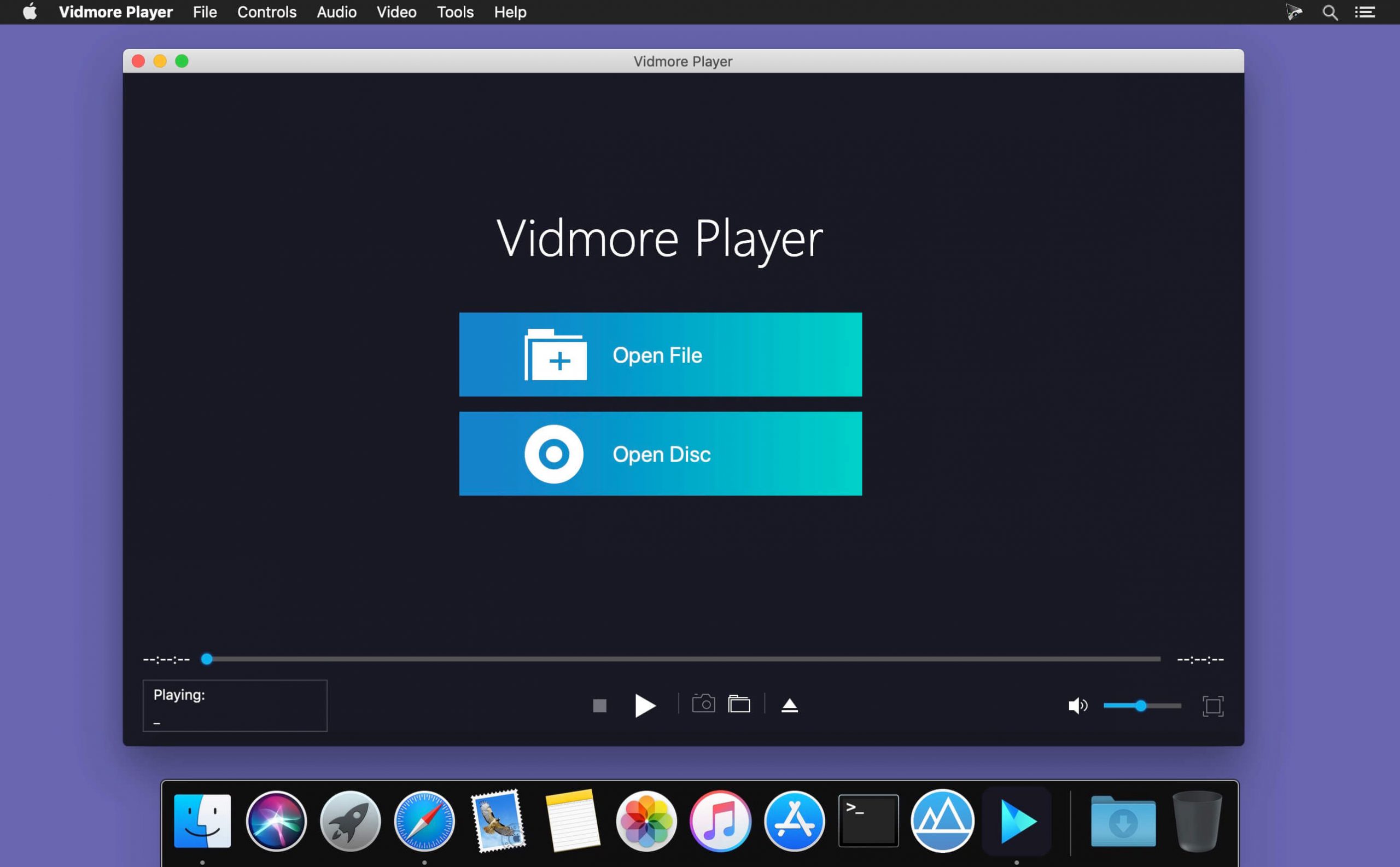
Chào mừng bạn đến với Vidmore Player Mac – giải pháp tối ưu cho mọi nhu cầu giải trí đa phương tiện trên chiếc MacBook yêu quý của bạn! Với khả năng phát mọi định dạng video , từ những bộ phim Blu-ray sắc nét , DVD cổ điển đến các file video thông thường như MP4, MKV, AVI và hơn thế nữa , Vidmore Player Mac mang đến trải nghiệm xem phim mượt mà, sống động và chân thực nhất.
Giao diện thân thiện, dễ sử dụng ngay từ lần đầu chạm mặt.
Hỗ trợ phát video 4K UHD và Full HD 1080p/720p.
Âm thanh vòm sống động với công nghệ Dolby, DTS tiên tiến.
Tùy chỉnh hiệu ứng video: độ sáng, độ tương phản, sắc độ,…
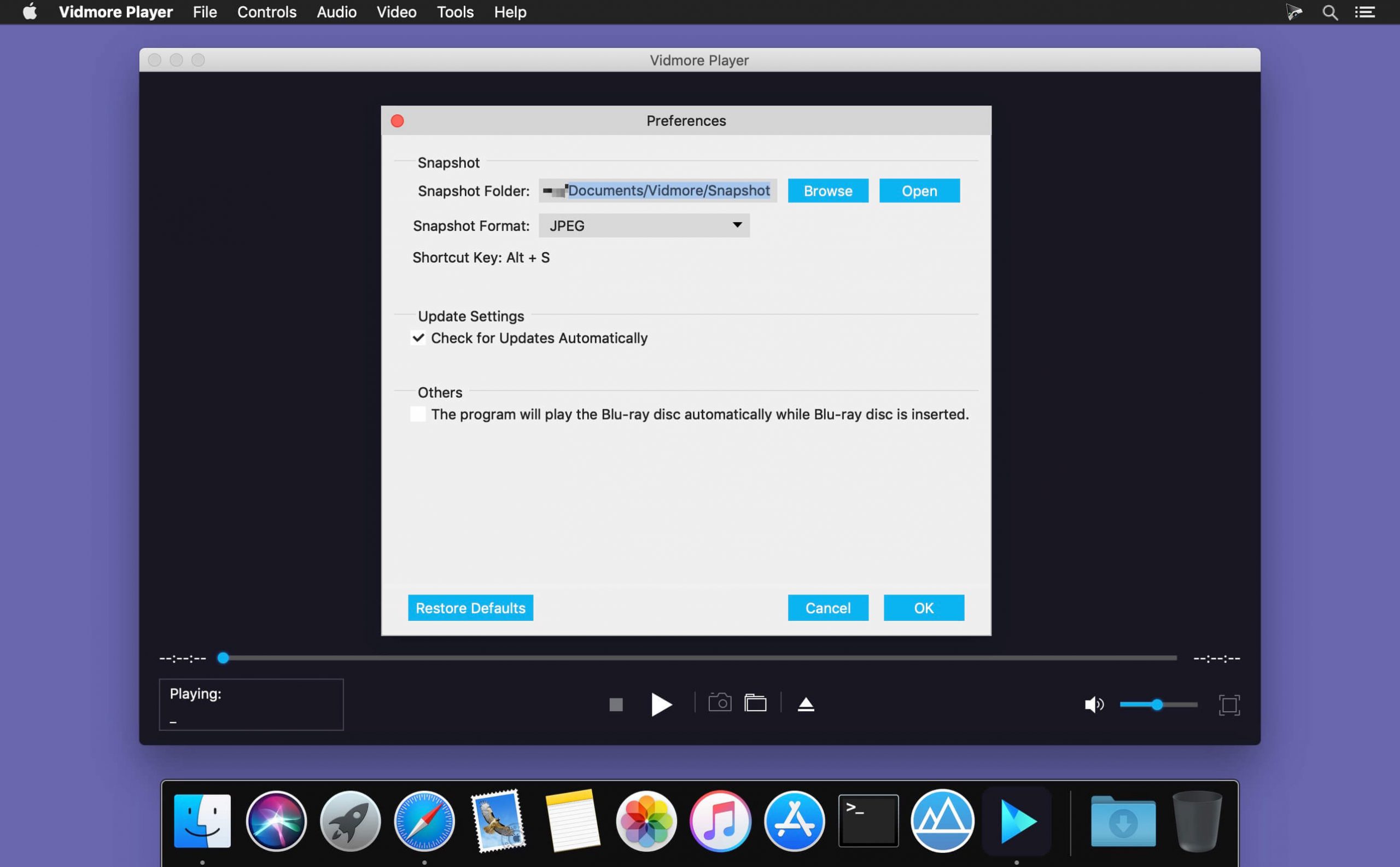
Chụp nhanh khoảnh khắc yêu thích với tính năng screenshot tiện lợi.
**Yêu cầu hệ thống:**
* **Phiên bản macOS:** Tương thích với macOS 10.9 trở lên (bao gồm cả các phiên bản mới như macOS Sonoma).
* **Cấu hình tối thiểu:**
* Bộ xử lý: Intel 1GHz hoặc chip Apple M1/M2/M3/M5.
* RAM: Tối thiểu 1GB.
* Dung lượng ổ cứng trống: Khoảng 40MB.
Hãy tải Vidmore Player Mac ngay hôm nay để nâng tầm trải nghiệm giải trí của bạn!
Vidmore Player là trình phát đa phương tiện không chỉ hỗ trợ phát phim Blu-ray, tệp DVD mà còn hỗ trợ tất cả các định dạng tệp video và âm thanh phổ biến như MP4, MOV, AVI, WMV, MPEG, 3GP, M2TS, MP3, WMA , AAC, v.v. Vidmore Player cho phép bạn có thể thêm phụ đề của phim bằng một cú nhấp chuột với các định dạng phụ đề như: SRT, SSA và ASS
Key functions:
Interesting facts about this article
- Play Blu-ray disc/folder/ISO files With Vidmore Player, you could play your Blu-ray disc/folder/ISO files with the lossless sound effect as well as HD image quality. It supports various Blu-ray disc types, such as BD-5, BD-9, BD-25, BD-50, etc. It provides the function to customize video effects like adjusting the hue/brightness/contrast/saturation and Gamma.
- Play DVD disc/folder/ISO files Do you want to play old DVD discs which you collected before? Do you want to play DVD folders? Do you want to play ISO files? Vidmore Player could accomplish this for you. It is able to play DVD disc/folder/ISO files and also lets you change the subtitle track/audio track.
- Play any common videos If you want to play any popular video and audio files, you could have a consideration of Vidmore Player. It could not only play Blu-ray disc/folder/ISO files and DVD disc/folder/ISO files, but also play other common videos like MP4, MPG, M4V, TS, MTS, M2TS, MXF, WMV, ASF, MKV, F4V, FLV, VOB, etc. In addition, you can enjoy the 4K UHD and 1080p/720 HD videos as well.
- High output quality With advanced audio decoding technologies like Dolby, DTS, AAC, TrueHD and more, you could enjoy the high quality of your media files. You could also click the Snapshot icon or use the shortcut key to take a screen shot when you play your movies.
Tương thích: OS X 10.9 or later 64bit
Vidmore_Player_1.0.8.97177
Vidmore_Player_1.0.10.100797
Vidmore_Player_1.0.12.101817
Vidmore_Player_1.0.16.104640
Vidmore_Player_1.0.20
Vidmore_Player_1.0.22.113867
Vidmore_Player_1.0.26.116184
Vidmore_Player_1.0.28.118442
Vidmore_Player_1.0.30.119730
Vidmore_Player_1.0.32.120836
Vidmore_Player_1.0.38.122956
Vidmore Player 1.0.52
Vidmore_Player_1.0.56.132809
Vidmore_Player_1.0.58.135894
Vidmore_Player_1.0.66.145126

