Master PDF Editor macOs – Đọc và chỉnh sửa PDF

Admin

03/12/2025

Share

1629216080 masterpdf

✨ **Master PDF Editor macOS – Đọc và Chỉnh sửa PDF Đỉnh Cao Cho MacBook!** 🚀

Bạn đang tìm kiếm một công cụ mạnh mẽ để quản lý các tệp PDF trên chiếc MacBook yêu quý của mình? 💻 Master PDF Editor cho macOS chính là giải pháp toàn diện, mang đến khả năng đọc và chỉnh sửa PDF một cách dễ dàng, chuyên nghiệp cho mọi người dùng cá nhân. ✨

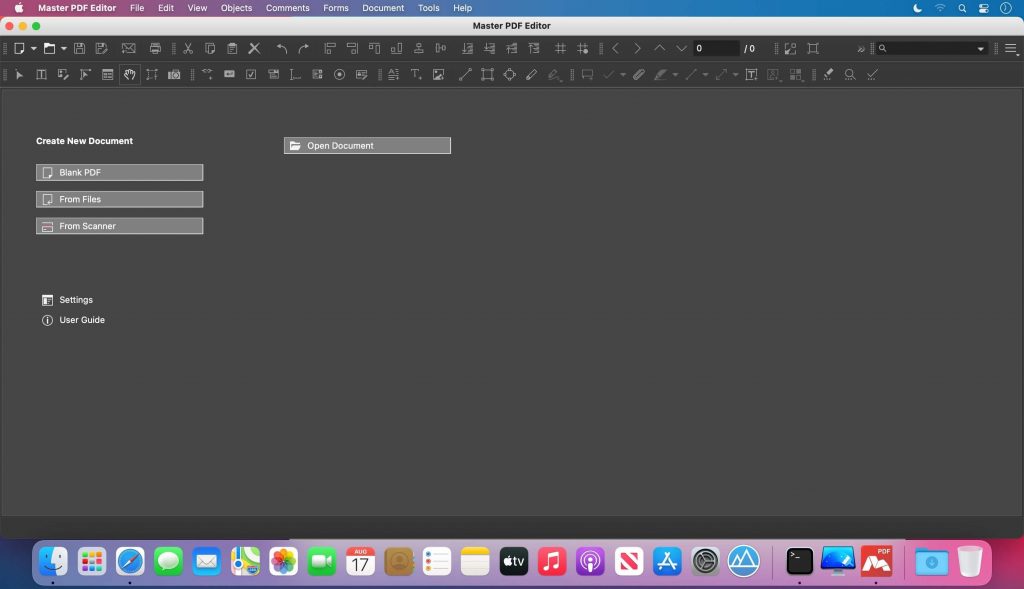
Với Master PDF Editor, bạn có thể thoải mái ✍️ **chỉnh sửa văn bản**, thay đổi hình ảnh, sắp xếp lại các trang PDF một cách trực quan. 🖼️ Phần mềm còn cho phép bạn tạo mới các tài liệu PDF hoặc tùy chỉnh sâu các tệp hiện có, thêm các yếu tố tương tác như nút bấm, ô kiểm, danh sách… 📝

Đặc biệt, bạn có thể dễ dàng 🔒 **bảo mật tài liệu** bằng mã hóa 128-bit, thêm **chữ ký số** 💯 để đảm bảo tính xác thực, hay sử dụng tính năng **OCR** 🔍 để tìm kiếm và chỉnh sửa văn bản trong ảnh quét. Các công cụ chú thích nâng cao 🎨 như ghi chú, hình dạng, gạch chân, tô sáng sẽ giúp công việc của bạn trở nên hiệu quả hơn bao giờ hết. 🌟

Để trải nghiệm mượt mà, bạn cần:
* Phiên bản macOS: **10.13 High Sierra trở lên** 🍏
* Cấu hình tối thiểu: **RAM 512MB**, **100MB dung lượng trống** 💾

Hãy khám phá sức mạnh của Master PDF Editor macOS ngay hôm nay để làm chủ mọi tệp PDF của bạn! 💡

Master PDF Editor có giá bán ko hề rẻ (tận 69.9$). Đây là công cụ xử lý các thao tác với file PDF cực kì nhỏ gọn nhưng mạnh mẽ, từ đọc, tạo file, chỉnh sửa (hỗ trợ OCR), merge, split, sign… với giao diện tương đối trực quan và dễ dùng

Chi tiết tính năng:

Nhấn vào đây để xem chi tiết

View, create, modify, sign, scan, OCR and print PDF documents

Modify text and objects
With Master PDF Editor you can add text with any formatting to a PDF document or edit existing text. You can also insert images to the document, select and move objects, change the size of objects, save images to a file and copy objects them to the clipboard.

Annotate PDF documents
Powerful annotation tools such as Sticky Note, Measuring tools and Shapes, as well as the enhanced editing capabilities provided by the Strikethrough, Underline, and Highlight functions will make your work easier than ever. Create unique Stamps and use them when reviewing the document or making a note of its status.

Create and fill in PDF forms
With Master PDF Editor it is very simple to edit the various elements of interactive PDF forms such as buttons, text fields, checkboxes and more, as well as implement event handlers for predefined user actions. Automatic calculation and data validation with jаvascript is supported.

Optical character recognition in PDF
Optical character recognition allows the ability to search for text fast and efficiently, as well as to edit scanned documents and documents containing images.

Operations on PDF pages
Master PDF Editor supports both the merging and spiting of PDF files. It enables you to easily move, remove, insert and rotate pages in PDF documents as well as change their size.

PDF Bookmarks
Create, edit and remove bookmarks. Add bookmarks for specified pages or paragraphs to allow fast document navigation and efficiently look up information.

Digital signatures in PDF
Check digital signatures, create new ones and sign documents with digital certificate. For PDF documents, a digital signature is the equivalent of the handwritten signature on paper documents, so the recipient of the signed document may be confident about its authenticity.

Create PDF documents
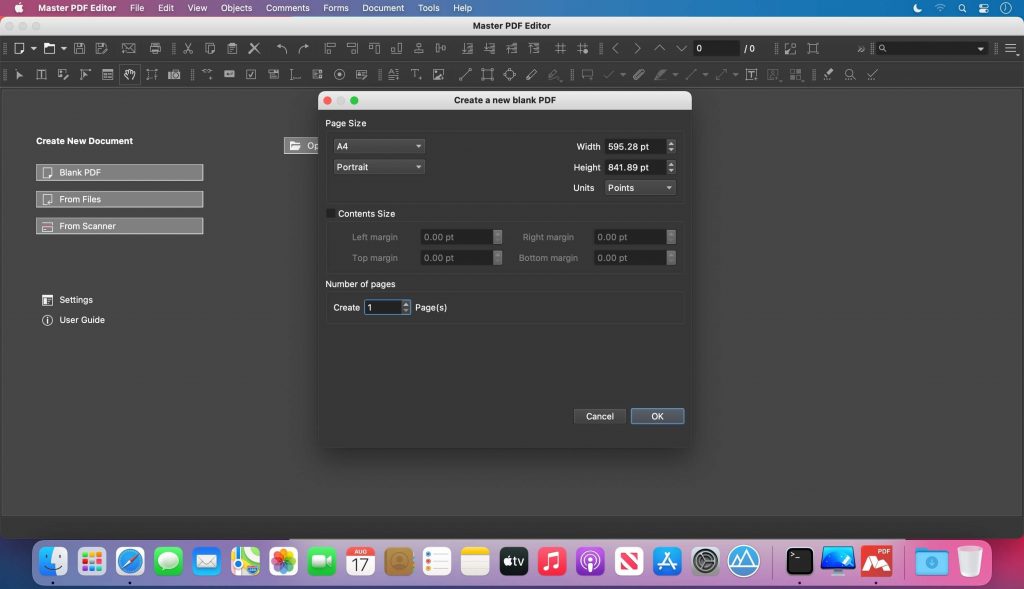
PDFs can be created straight from paper documents using a scanner. Master PDF Editor allows you to create documents from existing files, create empty documents or insert empty pages into an existing document .

Tương thích: macOS 10.9 or later

Trang chủ: code-industry.net/masterpdfeditor/

Master PDF Editor 5.7.90

👉💕Tải Về

0903064855
0979106855