

Admin
03/12/2025
Share
**ClickCharts Professional Mac OS – Vẽ Sơ Đồ Tư Duy Trực Quan Cho Mọi Cá Nhân!** 🌟
✨ Giới thiệu ClickCharts Professional cho macOS – công cụ vẽ sơ đồ tư duy trực quan, mạnh mẽ và dễ sử dụng dành riêng cho người dùng MacBook! 🚀 Dù bạn là sinh viên, chuyên gia hay người sáng tạo, ClickCharts giúp bạn biến những ý tưởng phức tạp thành những sơ đồ rõ ràng, sinh động chỉ với thao tác kéo thả đơn giản. 🎨
✅ **Yêu cầu Hệ điều hành:** Để cài đặt ClickCharts Professional, máy Mac của bạn cần chạy **macOS 10.9.0 trở lên** 🍎 (phiên bản cũ hơn) hoặc **macOS 10.14 trở lên** 🍏 (phiên bản mới hơn, được khuyến nghị).
✅ **Cấu hình Tối thiểu:**
* **Bộ xử lý:** Apple Silicon (M1/M2) hoặc Intel. 💻
* **RAM:** Tối thiểu 2 GB, khuyến nghị 4 GB. 🧠
* **Dung lượng ổ cứng:** 200 MB dung lượng trống. 💾
* **Màn hình:** Độ phân giải 1280×800 trở lên. 🖥️
Hãy bắt đầu hành trình sáng tạo không giới hạn với ClickCharts Professional ngay hôm nay! 💡✍️
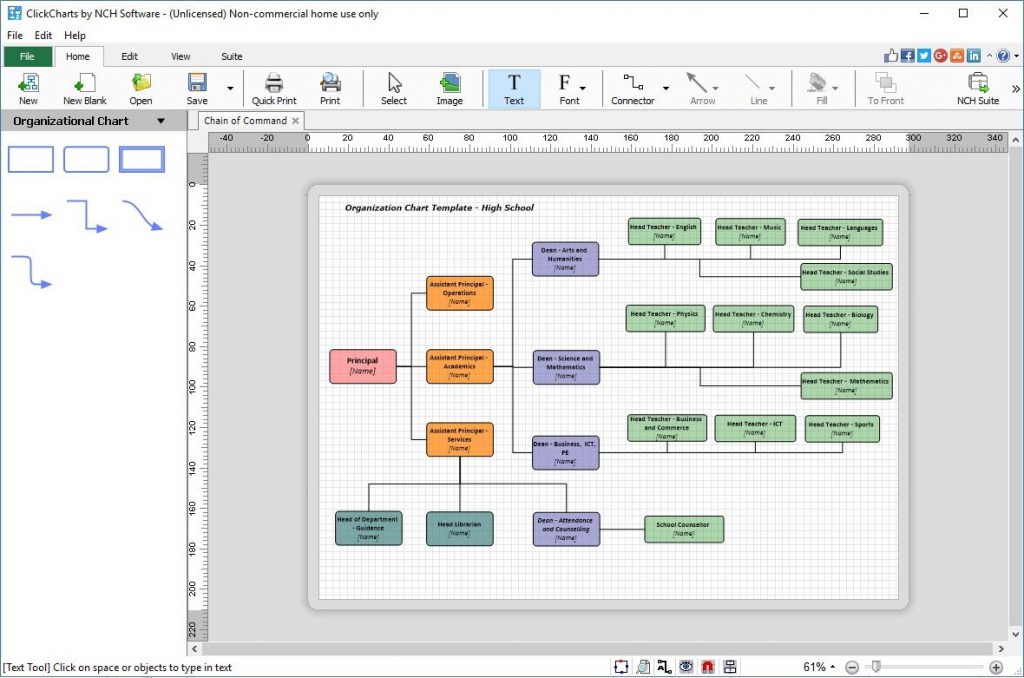
ClickCharts Professional giúp bạn dễ dàng tạo bản trình bày sơ đồ tư duy trực quan về một quy trình, tổ chức, bản đồ tư duy hoặc sơ đồ khác, giúp bạn trình bay một quy trình phức tạp và chi tiết cao trở nên dễ hiểu hơn.
Interesting facts about this article
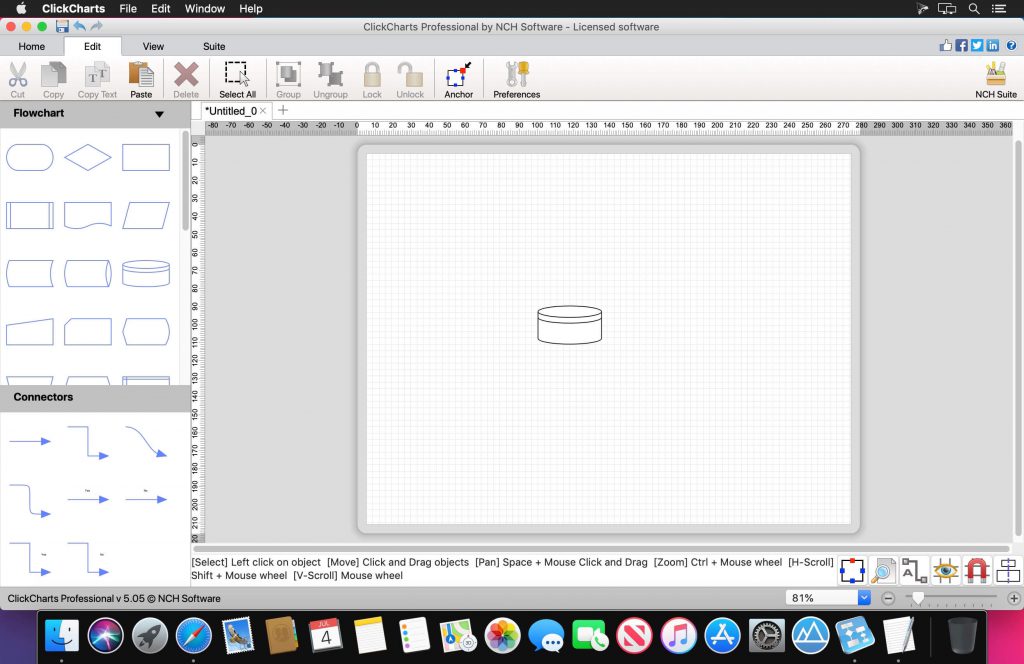
Flowchart Making Features
- Includes more than 40 chart templates to get you started
- Choose from a variety of symbols and line connector styles
- Create UML (Unified Modeling Language) standard visual modeling diagrams
- Edit and customize fonts, colors, fills and strokes
- Simple editing functions include copy, paste, undo and more
- Create and print large diagrams utilizing seamless sheet overlapping
- Open and edit multiple charts and diagrams simultaneously
- Detail control for artistic styles for filling and lining
- Export flow charts as JPG, GIF, PNG or other image file formats to share or use in other applications. View all file formats
- Auto-connect lets you easily indicate relationships
You can export a ClickCharts file to the following formats:
- Adobe Photoshop Document (*.psd)
- Avid TARGA (*.tga)
- Graphics Interchange Format (*.gif)
- JPEG 2000 (*.jp2)
- Joint Photographic Experts Group (*.jpg;*.jpeg)
- Microsoft Bitmap (*.bmp)
- Personal Computer Exchange (*.pcx)
- Portable Anymap (*.pnm;*.pbm;*.pgm;*.ppm)
- Portable Network Graphics (*.png)
- Progressive Graphics File (*.pgf)
- PDF File (*.pdf)
- Sun Raster (*.ras)
- Tagged Image File Format (*.tif;*.tiff)
- Wireless Bitmap (*.wbmp)
Trang chủ: www.nchsoftware.com/chart/index.html
ClickCharts_8.34
ClickCharts v8.53
ClickCharts v8.6 [Ngắt mạng trước khi nhập Key]
ClickCharts_8.67
ClickCharts v9.15
Các bản cũ hơn









