Compressor macOS 4.11 – Ứng dụng hỗ trợ chuyển đổi

Admin

03/12/2025

Share
compressor

**Compressor macOS 4.11 – Ứng dụng hỗ trợ chuyển đổi hướng đến khách hàng cá nhân.**

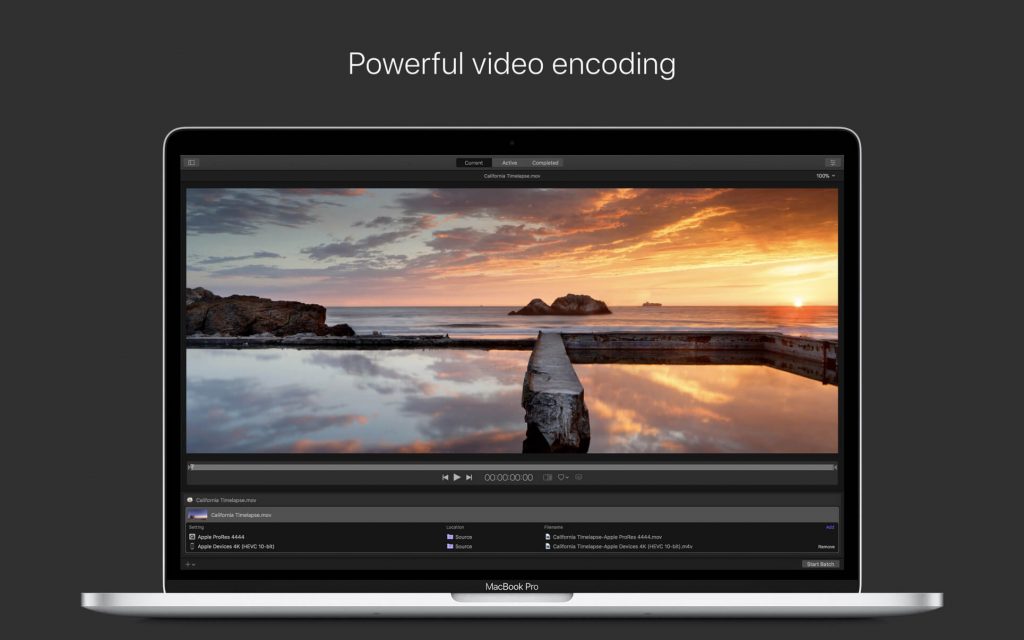
✨ Trải nghiệm sức mạnh chuyển đổi video vượt trội với Compressor macOS 4.11! 🚀 Ứng dụng chuyên nghiệp này, tích hợp hoàn hảo với Final Cut Pro và Motion, giúp bạn tùy chỉnh và tối ưu hóa video một cách dễ dàng.

🔧 **Tính năng chính:**
* Inspector RAW mới cho ProRes RAW 📸, hỗ trợ Apple Log 2 🌈, và giảm nhiễu iPhone (yêu cầu Apple silicon) 📱.
* Chuyển đổi HDR sang SDR 🖥️, mã hóa HEVC với kênh Alpha 💡, và xuất đa dạng định dạng chuẩn công nghiệp 🎬.
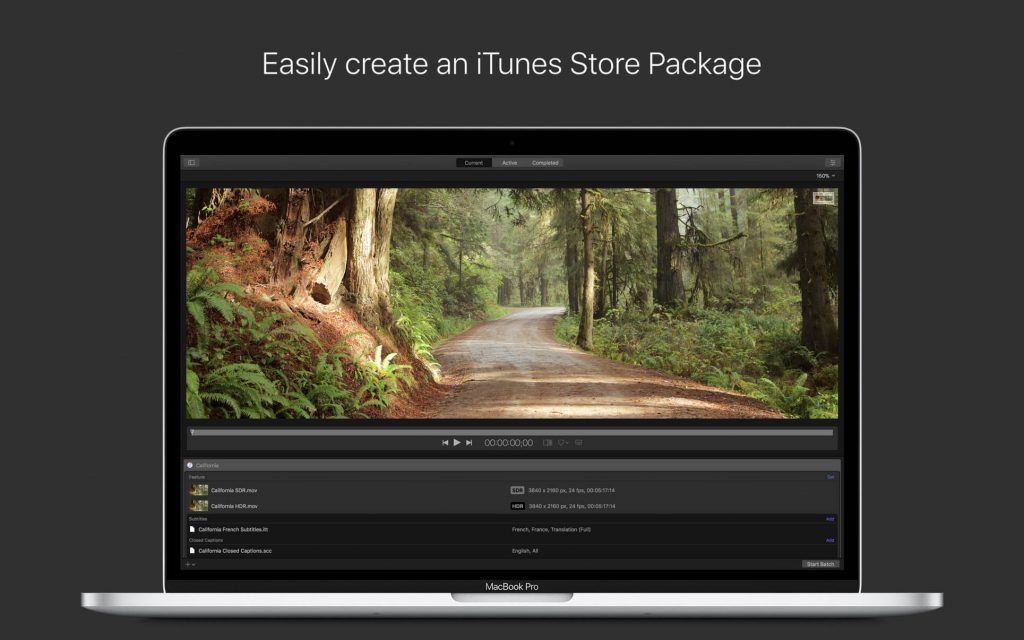
* Tạo gói iTunes Store 🏪 và tăng tốc mã hóa với công nghệ phân tán ⚡.
* Cải thiện chất lượng khung hình với tính năng retiming tiên tiến. ✨

⚙️ **Yêu cầu hệ thống:**
* macOS 15.6 trở lên 💻.
* RAM tối thiểu 8 GB 🧠.
* Dung lượng ổ cứng trống 1.2 GB 💾.

Nâng tầm sáng tạo của bạn với Compressor macOS 4.11! 🎉

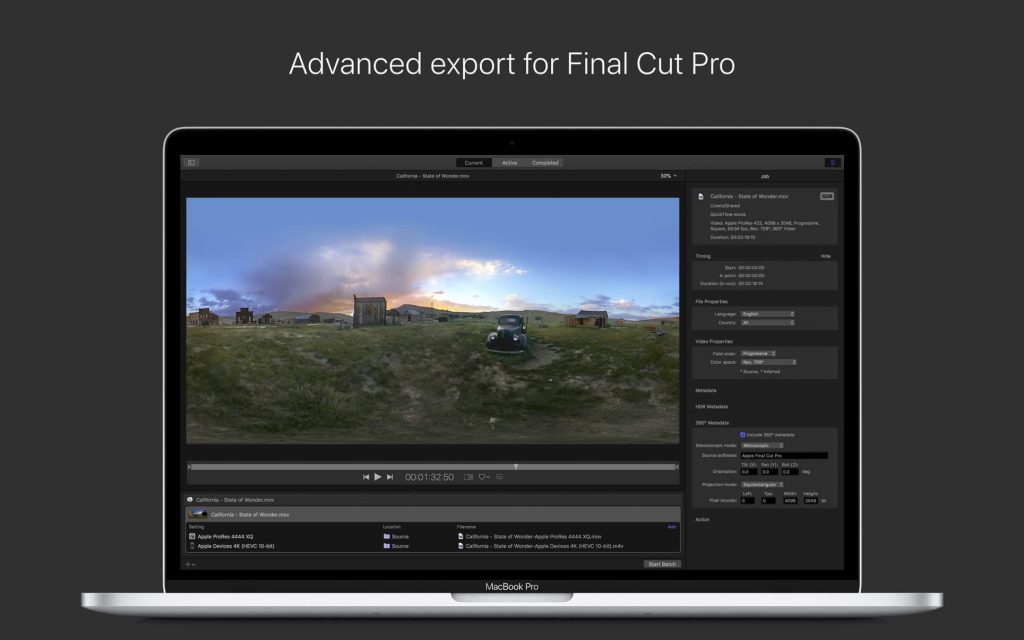
Compressor được tích hợp chặt chẽ với Final Cut Pro của Apple nhằm thêm sức mạnh trong việc chuyển đổi Video. Với giao diện đơn giản, cho phép bạn nhan chóng tùy chỉnh Output, giúp nâng cao chất lượng hình ảnh

Chi tiết tính năng:
Nhấn vào đây để xem chi tiết
Advanced Encoding for Final Cut Pro 

  • Use Compressor to customize encoding settings for Final Cut Pro
  • Save a custom setting in Compressor and the setting will automatically appear in Final Cut Pro
  • Set up batch processes to streamline the encoding of large numbers of files
  • Build custom Destinations to combine encoding with additional tasks such as moving or copying files
  • Create self-contained Droplets to encode on the desktop with drag-and-drop ease
  • Share settings like an HEVC output setting with other editors, even if Compressor isn’t installed on their systems
  • Send Final Cut Pro and Motion projects to Compressor to encode video in the HEVC format

iTunes Store Package Creation

  • Import and organize your movie, trailer, closed captions, and subtitles into an iTunes Store-compliant package for submission to an Apple-certified iTunes delivery partner
  • Audition video with any audio, caption, or subtitle to verify sync
  • Built-in error detection helps you identify issues with your iTunes Store Package and navigate directly to the source of the issue
  • Deliver HDR video as P3 D65 PQ, Rec. 2020 HLG, and Rec. 2020 PQ for HDR10
  • Support in the iTunes Store Package to link a Dolby Vision graded video file to a Dolby Vision XML

Support for Industry Standards

  • Encode to a broad range of industry standard formats including MPEG-4, H.264, MXF and ProRes
  • Work with a choice of themed menus to encode and burn a DVD or Blu-ray disc
  • Generate files for HTTP live streaming in a single step
  • Import Targa, DPX, TIFF, PSD, PNG or OpenEXR image sequences and encode them to any setting
  • Tap into advanced encoding features for adding closed captioning, metadata, and more

Pristine Format Conversions 

  • Convert any file between formats — such as NTSC to PAL, SD to HD or progressive to interlaced video
  • Import and manipulate wide color video, then deliver in standard Rec. 601 and Rec. 709 color spaces or in wide Rec. 2020 color space
  • Deliver High Dynamic Range (HDR) video with controls for color space conversions and HDR metadata
  • Deliver HDR video as P3 D65 PQ, Rec. 2020 PQ, and Rec. 2020 HLG
  • Use CABAC entropy multipass H.264 encoding for superior results with hardware-accelerated export on supported systems
  • Clean up and customize your content using image filters, a timecode overlay, and watermarks
  • Speed up video, slow it down, or adjust the frame rate to make the duration match a runtime

Distributed Encoding 

  • Save time by distributing encoding work among multiple workstations
  • Install Compressor on any Mac to activate it as a node for distributed encoding
  • Speed up encoding in Final Cut Pro by choosing a group of shared computers for exporting

More Info: itunes.apple.com/us/app/compressor/id424390742

Compressor 4.3

👉💕Tải Về

Compressor 4.3.1

👉💕Tải Về

Compressor 4.4.1 (Chỉ chạy trên macOS 10.13.2 về sau)

👉💕Tải Về

Compressor 4.4.2

👉💕Tải Về

Compressor 4.4.3

👉💕Tải Về

Compressor 4.4.4 (Chỉ chạy trên 10.13.6 về sau. Hỗ trợ Mojave)

👉💕Tải Về

Compressor 4.4.5 (Chỉ chạy trên 10.14.6 về sau. Hỗ trợ Catalina)

👉💕Tải Về

Compressor 4.4.6

👉💕Tải Về

Compressor 4.4.7

👉💕Tải Về

Compressor 4.4.8

👉💕Tải Về

Compressor 4.5 [Chỉ chạy trên macOS Catalina 10.15.6 về sau – hỗ trợ Big sur]

👉💕Tải Về

Compressor 4.5.1

👉💕Tải Về

Compressor_4.5.2.

👉💕Tải Về

Compressor_4.5.3 [Mega]

👉💕Tải Về

Compressor_4.5.4 [Mega]

👉💕Tải Về

Compressor_4.6 [Chỉ chạy trên Big Sur 11.5.1 trở lên]

👉💕Tải Về

Compressor_4.6.1

👉💕Tải Về

Compressor_4.6.2

👉💕Tải Về

Compressor v4.6.3 [macOS 12 trở lên]

👉💕Tải Về

Compressor_4.6.4

👉💕Tải Về

Compressor_4.6.5

👉💕Tải Về

Compressor_4.6.6

👉💕Tải Về

Compressor v4.7

👉💕Tải Về

Compressor 4.8

👉💕Tải Về

Compressor_4.10

👉💕Tải Về

Compressor_4.10.1

👉💕Tải Về

Compressor_4.11

👉💕Tải Về

Compressor_4.11.1

👉💕Tải Về

0903064855
0979106855