

Admin
03/12/2025
Share

Tuyệt vời! Dưới đây là bài giới thiệu về Draw.io cho macOS, tập trung vào khách hàng cá nhân, với các yêu cầu bạn đã đưa ra:
**Draw.io MacOs – Công cụ vẽ biểu đồ, sơ đồ tư duy cực xịn cho cá nhân** 🚀
Bạn đang tìm kiếm một công cụ mạnh mẽ, miễn phí và dễ sử dụng để biến ý tưởng thành sơ đồ trực quan trên chiếc MacBook của mình? Draw.io MacOs chính là lựa chọn hoàn hảo! ✨ Phần mềm này mang đến trải nghiệm vẽ biểu đồ, sơ đồ tư duy (mind map) 🧠, lưu đồ (flowchart) 📊, sơ đồ tổ chức 🏢 và nhiều loại hình khác một cách chuyên nghiệp ngay trên máy tính cá nhân của bạn.
Với giao diện thân thiện và trực quan, Draw.io giúp bạn dễ dàng tạo ra các bản thiết kế phức tạp mà không cần là chuyên gia đồ họa. 🎨 Khả năng tùy chỉnh cao với hàng trăm mẫu có sẵn và thư viện icon phong phú sẽ giúp sản phẩm của bạn thêm phần sinh động và ấn tượng. 🌟
Draw.io MacOs hỗ trợ lưu trữ trực tiếp trên Google Drive, OneDrive, Dropbox hoặc tải về máy tính, mang lại sự linh hoạt tối đa cho công việc và học tập của bạn. ☁️
**Yêu cầu hệ thống:** Để cài đặt Draw.io phiên bản macOS, bạn cần hệ điều hành **macOS 10.12 (Sierra) trở lên**. 💻 Cấu hình tối thiểu bao gồm **4GB RAM** và **200MB dung lượng ổ cứng trống**. 💾
Hãy bắt đầu sáng tạo không giới hạn với Draw.io MacOs ngay hôm nay! 💡
Draw.io cho phép tạo nhiều loại sơ đồ tư duy với quy mô khác nhau sử dụng cho mục đích học tập và công việc, nhiều công cụ có sẵn để chèn vào sơ đồ như hình bầu dục, chữ nhật, chèn mũi tên, ký hiệu…
Các sơ đồ tư duy sẽ thể hiện được chi tiết nhất các ý tưởng, kế hoạch, quy trình dự án của bạn, giúp bạn hình dung và thực hiện tốt hơn khi bước vào thực tế, đặc biệt, dữ liệu có thể được chỉnh sửa bất cứ lúc nào.
Interesting facts about this article
Các tính năng chính:
draw.io is The easiest way for Confluence teams to collaborate using diagrams
The leading solution for Confluence.
More installs than all the others, combined.
Best-in-class security.
Be more productive in no time
No other diagramming app can match the speed with which you get started. Intuitive and powerful, it just gets out of your way.
Communicate visually with the right diagram
Build flowcharts, UML and process diagrams, ERDs, org charts, mindmaps and much more – draw.io is made to make you look good.
Build with your team together, in one place
draw.io is designed for teams using Confluence, with unique features like Confluence-native collaborative editing.
Enterprise grade privacy
Full control of data residency.
Only you can access your data.
No trackers, nothing injected.
Data only stored in Confluence.
One-click migration
One-click import of Gliffy.
Import and export Visio.
Easy migration from Lucidchart.
Embed from Google Drive and OneDrive.
The only trusted solution for Confluence Data Center
draw.io for Confluence Data Center is the only actively developed solution for DC.
Privacy is in our DNA, we understand what behind the firewall really means.
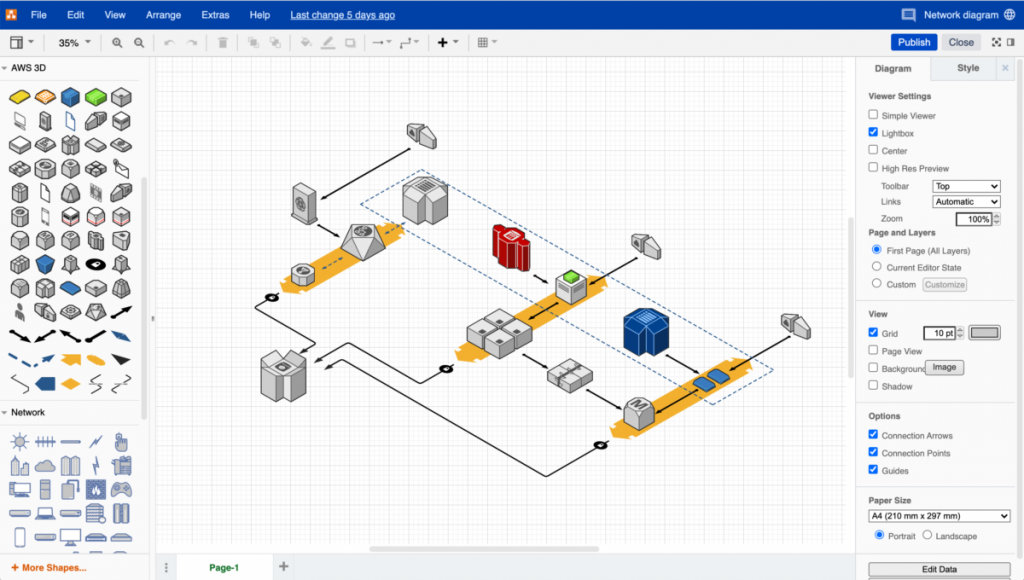
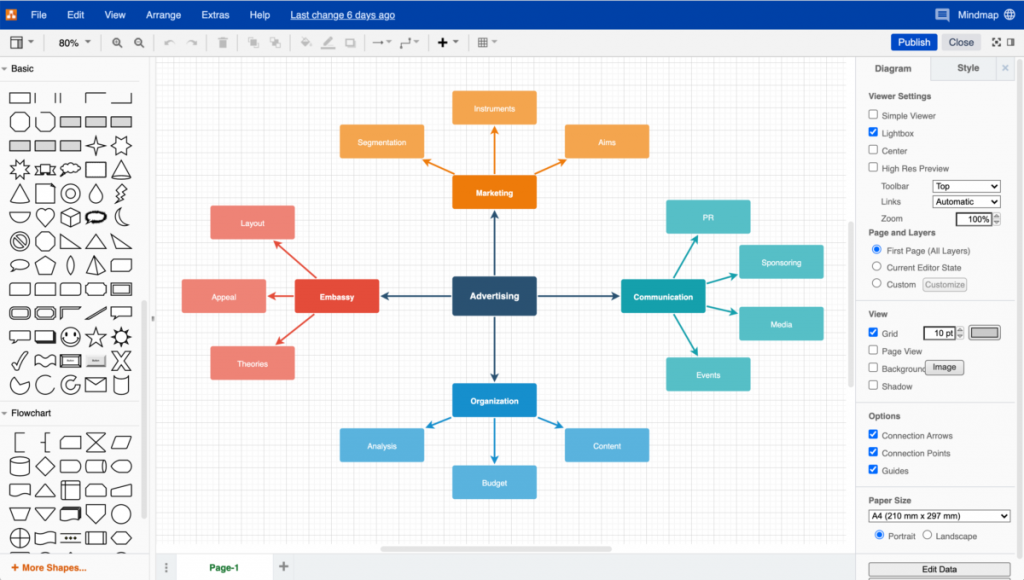
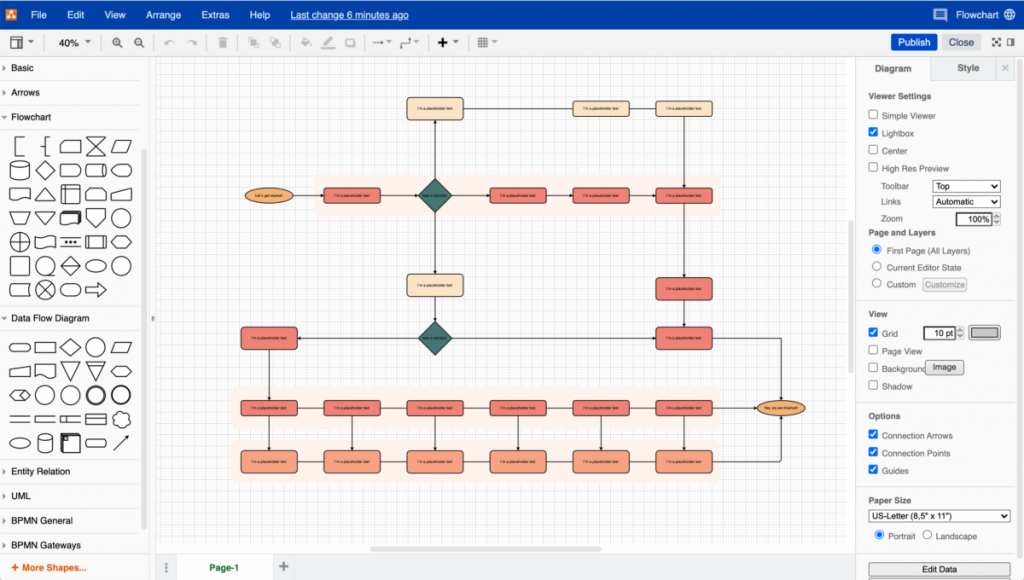
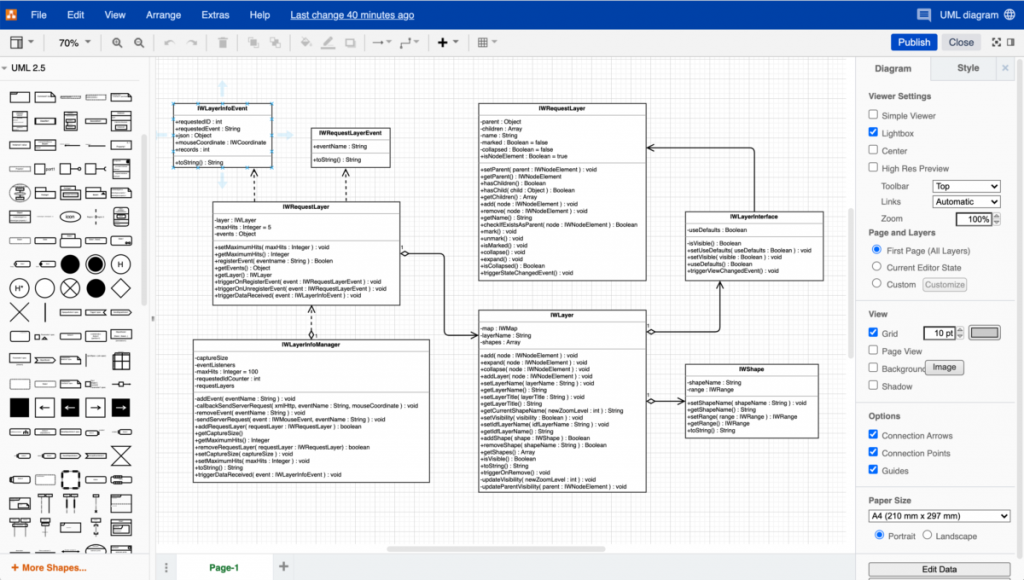
HomePage drawio-app.com/
Draw.io v21.5.0
draw.io v21.6.5
Draw.io v21.6.8
Các bản cũ hơn









