EDIT PDFs Original Text, Images & Forms
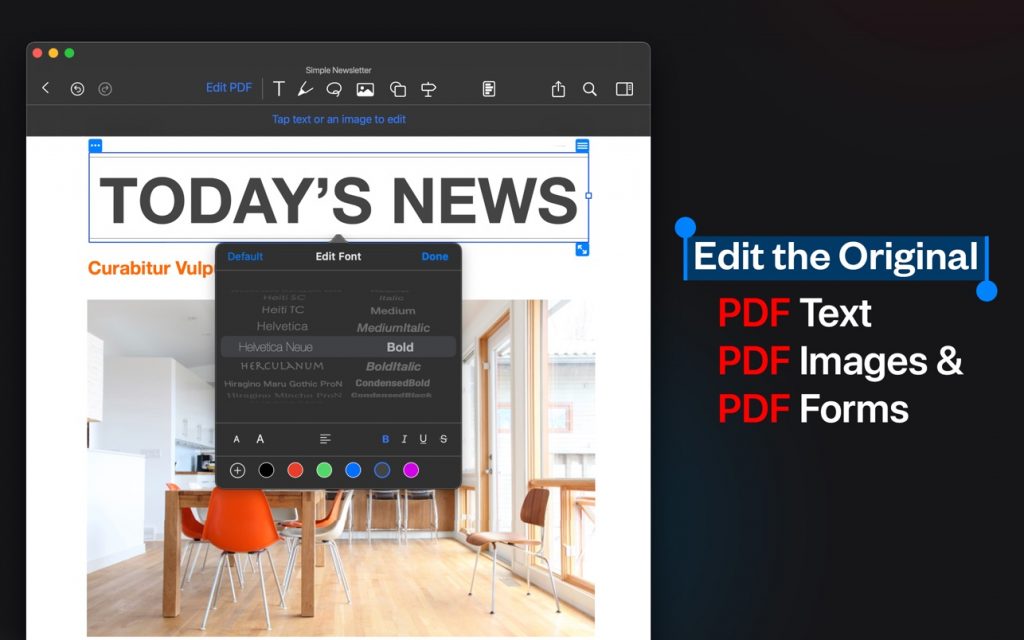
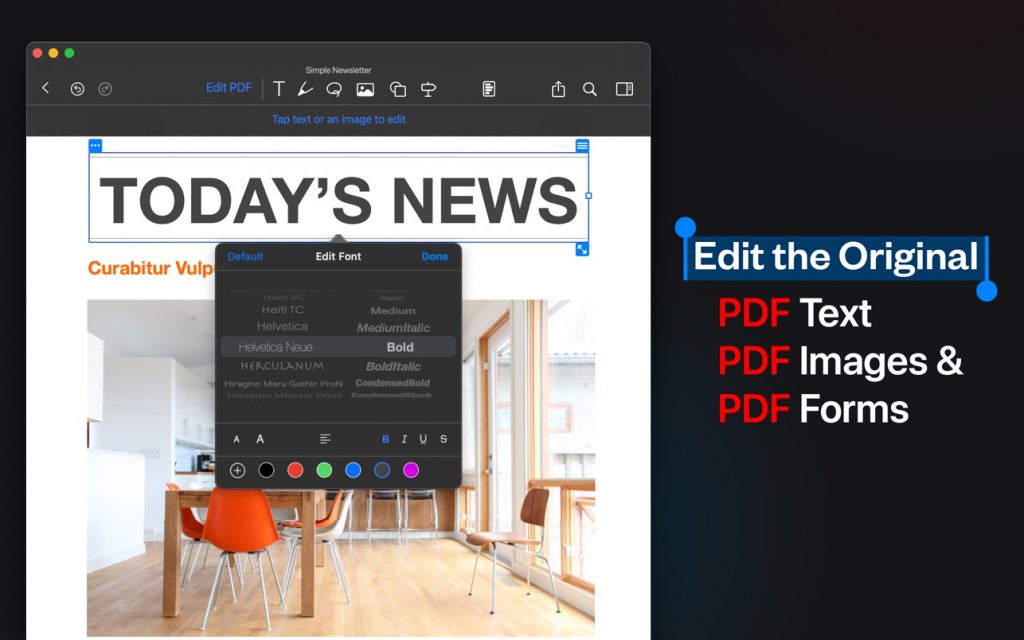
• Edit, add, remove existing word/s or text/s or image/s. Change the font, size, and color, alignment, fill static PDF docs/forms. Save, replace, delete and resize PDF images.
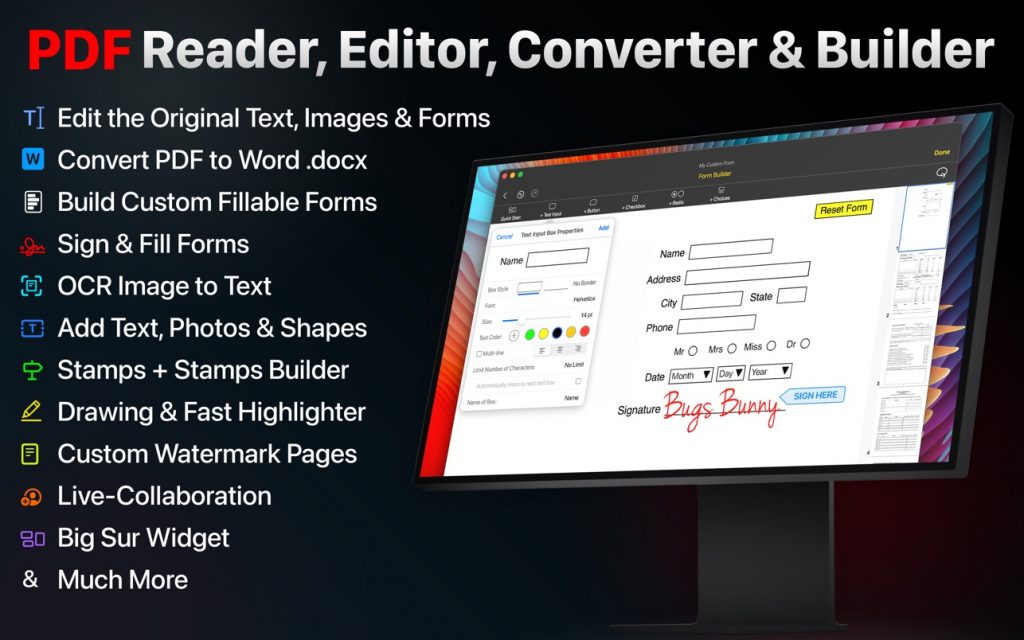
• Edit, add, remove existing form input boxes, choice boxes, checkboxes, buttons and radio choices. Also with Quick Start, easily add the most common PDF form objects such as name, address, city, state, zip, phone number, signature, reset button and more.
Powerful Editing Tool
• Beautiful UI to edit text in your PDF documents
• Freehand drawing with your finger or Apple Pencil
• Add your own text/notes in the existing body
• Scan & Fill PDF document/forms
• Merge large PDF docs for easy sharing
• Insert and Resize photo into PDFs
• Create custom Stamps or use beautiful defaults we’ve made
• Add custom Watermark to an individual page or all pages in any color and 4 directions
OCR – Convert Images to Text
• Simple convert an image(s) or PDF to text
• Next-Gen OCR with amazing accuracy
• Processing done on device, 100% private
Convert PDFs to Word .docx Fully-Editable Files
Conversion Includes:
• Text Formatting & Attributes
• Annotations & Highlights
• Drawings
• Images
• Tables & more.
• The conversion is done on our AWS secure server. All files are deleted IMMEDIATELY and just incase, we do many things:
1) We completely erase the data server every 24 hours.
2) No data is saved or tracked.
3) We even change the name of the PDF to gibberish before uploading!
World’s first real-time collaborative PDF editor
• Share your doc with friends/co-workers/clients
• Create a shared folder by inviting iCloud users for real-time collaborative editing. Get everyone’s feedback in one place.
• Start collaborating work & save all data in shared PDF folder
Annotate
• Annotate word and text with highlights, underlines, handwriting
• Add your comments or notes within the PDF file
• Use doc sign creator and add your own signatures
• Draw and insert different shapes and objects
• Create custom stamps and use default stamps like VOID, Sign here, etc. Also choose from multiple shapes.
DARK MODE
• Enable dark mode feature for long – time reading. Easily adjust the buttons and toolbars according to your convenience.
Organize PDFs
• Create a folder and organize your documents
• Sync iCloud Drive with the app
• Browse recently deleted PDFs
Unlimited PDF uploads and syncing
• Upload unlimited documents on iCloud
• Access these documents from your iPhone, iPad, and Mac
• Sync data online and never worry about any data loss
ADVANCED THUMBNAILS VIEW
• Merge PDFs or easily copy one page to another
• Add a blank PDF page
• Add an OCR image to text page
• Reorder and remove pages
PDF FORM BUILDER
• Create your own PDF Form
• Add many different kinds of objects:
• Text Input box with customizable properties
• Radio choices such as checkboxes or Yes No answers
• Buttons to go to a URL or reset form
• Choices such as date with month, day and year or custom choices
• We’ve create a ‘Quick Start’ option with many prebuilt common objects such as ‘name’ ‘address’ ‘phone number’ ‘date’ ‘signature’ etc.