Snagit MacOs 2023 – Quay, chụp màn hình, edit ngon

Admin

03/12/2025

Share

1571760279 snagit 1

Tuyệt vời! Dưới đây là bài giới thiệu về Snagit MacOs 2023, tập trung vào các tính năng quay, chụp màn hình và chỉnh sửa, cùng với yêu cầu hệ thống, được thiết kế cho người dùng cá nhân:

✨ **Snagit MacOs 2023: Công Cụ Đắc Lực Cho Mọi Nhu Cầu Quay, Chụp & Chỉnh Sửa Màn Hình Trên MacBook!** 🚀

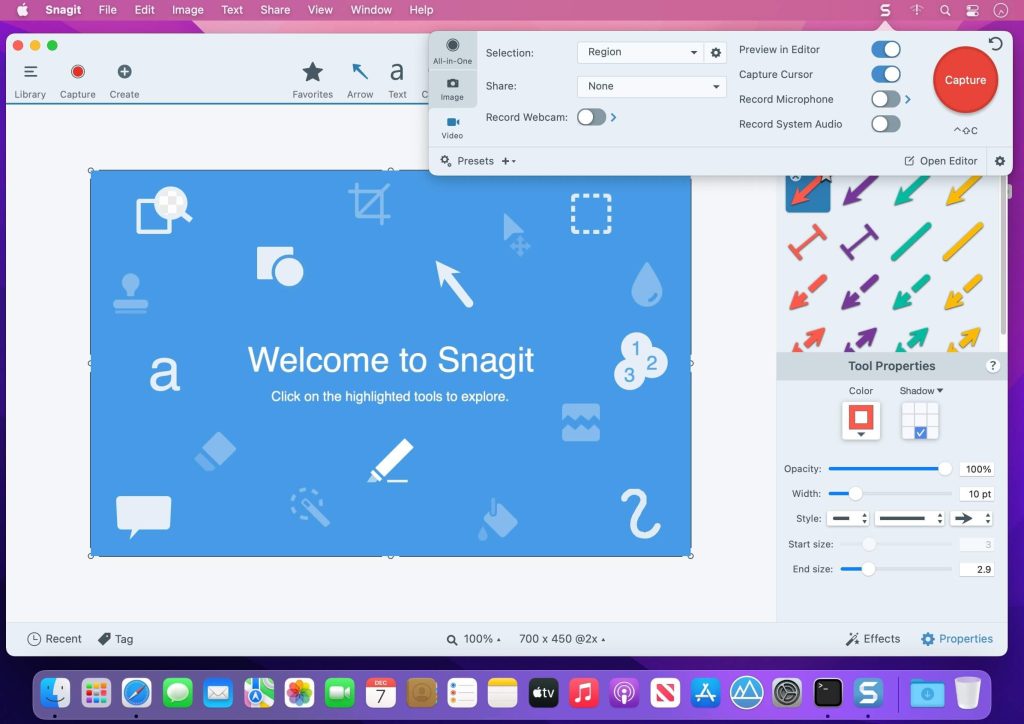
Bạn đang tìm kiếm một giải pháp toàn diện để ghi lại những khoảnh khắc quan trọng trên màn hình MacBook của mình? Snagit MacOs 2023 chính là câu trả lời! 🤩 Phần mềm này không chỉ giúp bạn chụp ảnh màn hình một cách dễ dàng, mà còn cho phép quay video màn hình sắc nét, biến mọi ý tưởng thành hiện thực. 🎬

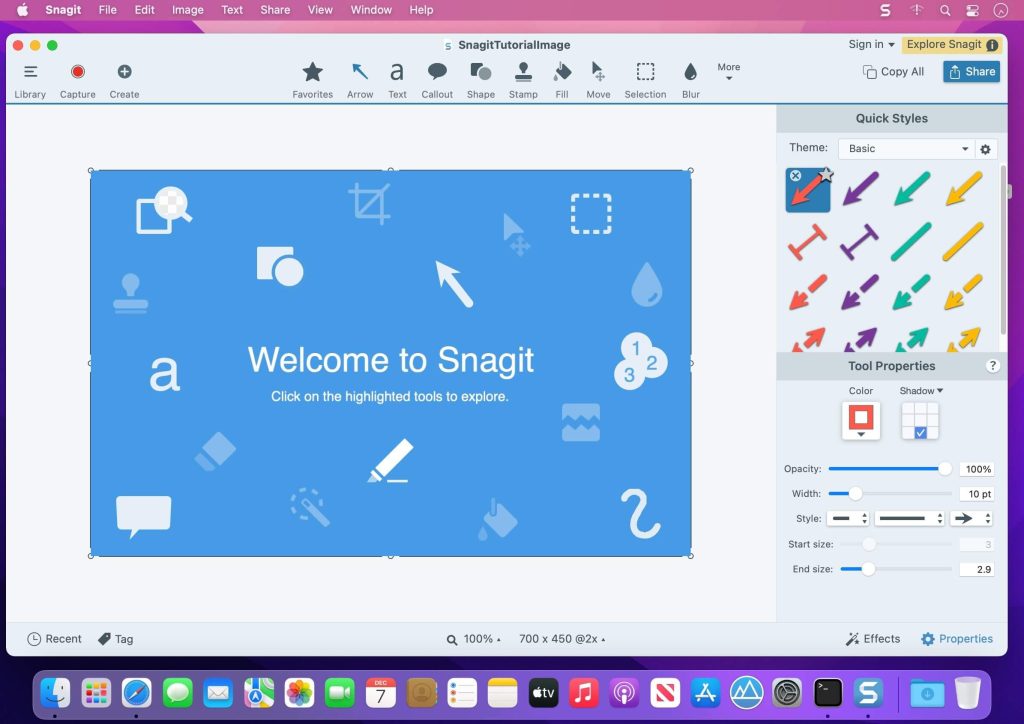
Với Snagit, việc tạo hướng dẫn, ghi lại quy trình làm việc hay lưu giữ những kỷ niệm số trở nên đơn giản hơn bao giờ hết. 📸 Giao diện trực quan, thân thiện với người dùng cá nhân, bạn có thể nhanh chóng bắt đầu tạo ra những nội dung chuyên nghiệp mà không cần kỹ năng phức tạp. 💡

Snagit MacOs 2023 yêu cầu phiên bản macOS 11 (Big Sur) trở lên. 🍎 Để trải nghiệm mượt mà nhất, cấu hình tối thiểu bao gồm bộ xử lý Intel hoặc Apple Silicon, 8GB RAM và dung lượng ổ cứng trống 1GB. 💾

Hãy nâng tầm trải nghiệm sáng tạo của bạn với Snagit MacOs 2023 ngay hôm nay! 🎉
#SnagitMac #ChupManHinh #QuayManHinh #MacBook #ChinhSuaVideo #CongCuHuuIch #SangTao #UserFriendly 🌟💯

Snagit  là phần mềm chụp ảnh quay phim màn hình kèm theo nhiều chức năng, hỗ trợ nhiều định dạng ảnh, chỉnh sửa, chia sẻ và quản lý ảnh chụp màn hình.

Dưới đây là một số tính năng chính của “Snagit”:

Interesting facts about this article

Điểm mới trên bản Snagit 2023
Nhấn vào đây để xem chi tiết

New Features in Snagit 2023:

Screen Draw

  • Draw on your screen as you record a video! Use arrows, squares, and step numbers in customizable colors to highlight important information on your screen.
  • Each item added automatically fades out as your video advances.

Share Link

  • Snagit 2023 puts you in control of your content. Instantly create a shareable link or upload your content directly to the apps you use every day.
  • One-click sharing to Screencast or use the Share dropdown menu to choose a sharing destination of your choice.

Screencast

  • Take control of your workday with a platform that empowers your team to collaborate and get work done without the meeting fatigue.
  • Conversation feature lets your team discuss and collaborate.
  • Post threads of comments on images or at different points in a video, contextually relevant to the topic.
  • Draw on a frame of a video or on an image with a square, arrow, or pen tool to make a point more clear.

Snagit-Slack Integration

  • Official Snagit Slack App now available!
  • Crank up your async collaboration by sharing your latest video, image or GIF created by Snagit directly to Slack.
  • Choose your way to instantly send your content to Slack from Snagit. Customize your Snagit toolbar, use the Share dropdown menu, or set your Snagit Presets for fewer clicks and faster collaboration.
  • Images and videos appear as a thumbnail to view directly in Slack meaning content sent – content received.

Tương thích: macOS 10.14 or later

Snagit_2023.2.0

👉💕Tải Về

Snagit_2023.2.1

👉💕Tải Về

Snagit_2023.2.2

👉💕Tải Về

Snagit_2023.2.3

👉💕Tải Về

Snagit_2023.2.4

👉💕Tải Về

Snagit_2023.2.5

👉💕Tải Về

Snagit_2023.6

👉💕Tải Về

TechSmith Snagit v2023.3.1

👉💕Tải Về

TechSmith Snagit v2023.3.2

👉💕Tải Về

Snagit_2023.3.3

👉💕Tải Về

TechSmith Snagit v2023.3.4

👉💕Tải Về

Các bản cũ hơn

Nhấn vào đây để xem chi tiết

Snagit 2023.0.0

👉💕Tải Về

Snagit_2023_0_1

👉💕Tải Về

TechSmith Snagit v2023.0.2

👉💕Tải Về

Snagit_2023.0.3

👉💕Tải Về

Snagit_2023.0.4

👉💕Tải Về

Snagit_2023.1.0

👉💕Tải Về

Snagit_2023.1.1

👉💕Tải Về

Snagit_2023.1.2

👉💕Tải Về

Snagit_2023.1.3

👉💕Tải Về

0903064855
0979106855