

Admin
03/12/2025
Share
## SoftMaker Office Professional 2021 macOS – Bộ ứng dụng văn phòng hướng đến khách hàng cá nhân 🚀
✨ SoftMaker Office Professional 2021 macOS là bộ ứng dụng văn phòng mạnh mẽ, được thiết kế tinh tế cho người dùng cá nhân trên MacBook. 💻 Mang đến trải nghiệm làm việc hiệu quả và linh hoạt, bộ ứng dụng này bao gồm các công cụ thiết yếu như TextMaker (thay thế Word), PlanMaker (thay thế Excel) và Presentations (thay thế PowerPoint). 📝📊👑
💡 Với giao diện trực quan và các tính năng tiên tiến, SoftMaker Office Professional 2021 giúp bạn dễ dàng soạn thảo văn bản, tạo bảng tính phức tạp và thiết kế bài thuyết trình ấn tượng. 🎨 Khả năng tương thích cao với các định dạng file của Microsoft Office đảm bảo quá trình trao đổi dữ liệu diễn ra suôn sẻ. 🔄
✅ Yêu cầu hệ điều hành: macOS 10.12 Sierra trở lên (bao gồm cả các phiên bản mới hơn như Catalina và Big Sur) 🍎. Cấu hình tối thiểu bao gồm bộ xử lý Intel hoặc Apple M1, 2GB RAM và 4GB dung lượng ổ cứng trống 💾.
🌟 Khám phá sức mạnh của SoftMaker Office Professional 2021 và nâng tầm công việc của bạn ngay hôm nay! 💪
SoftMaker Office Professional 2021 là bộ ứng dụng văn phòng có thiết kế và tính năng giống tới 95% so với Microsoft Office, tương thích ngược với Microsoft Office, tức là bạn hoàn toàn có thể mở các file đã làm trên bộ MS trước đó và ngược lại.
Bộ này gồm 3 công cụ: TextMaker tương đương với Word, PlanMaker tương tự Excel và Presentations tương tự Powerpoint. Điểm mạnh của SoftMaker là nhẹ và mượt hơn bộ Office rất nhiều (nhất là trên M1).
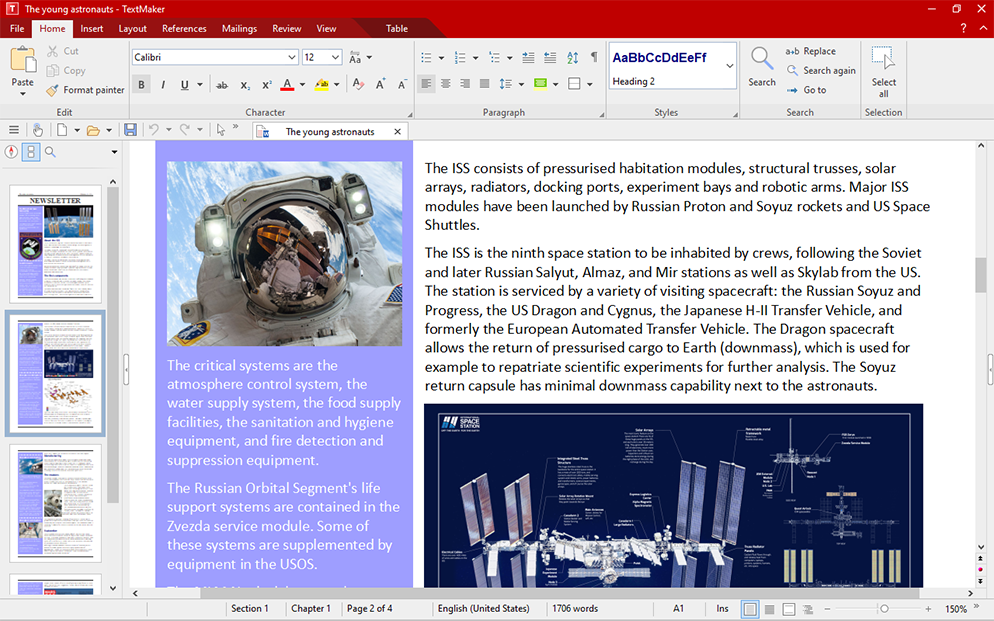

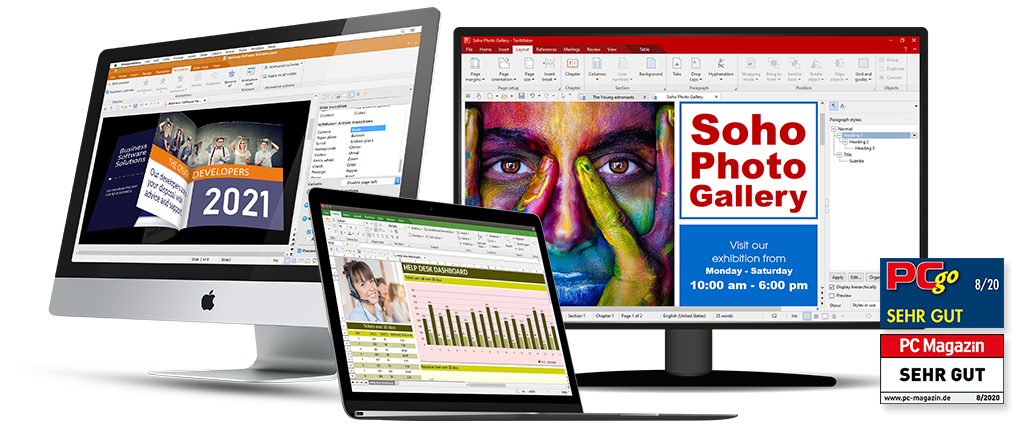
Một số tính năng trên bản 2021
Chi tiết tính năng xem tại trang chủ: www.softmaker.com/en/softmaker-office
Tương thích: macOS 10.12 trở lên (Native trên M1)
SoftMaker.Office.Professional.v2021.7.10.1034









