

Admin
03/12/2025
Share
**Timeline 3D MacOs – Tạo Dòng thời gian 3D Đẹp mắt!** ✨
Giới thiệu Timeline 3D MacOs 🚀 – ứng dụng đột phá giúp bạn tạo ra những dòng thời gian 3D sống động, hoàn hảo cho mọi nhu cầu cá nhân! Dù là lịch sử gia đình 👨👩👧👦, kế hoạch dự án 📝, hay chuỗi kỷ niệm đáng nhớ 📸, phần mềm này biến dữ liệu khô khan thành câu chuyện trực quan, đầy cuốn hút. Timeline 3D MacOs mang đến trải nghiệm sáng tạo độc đáo:
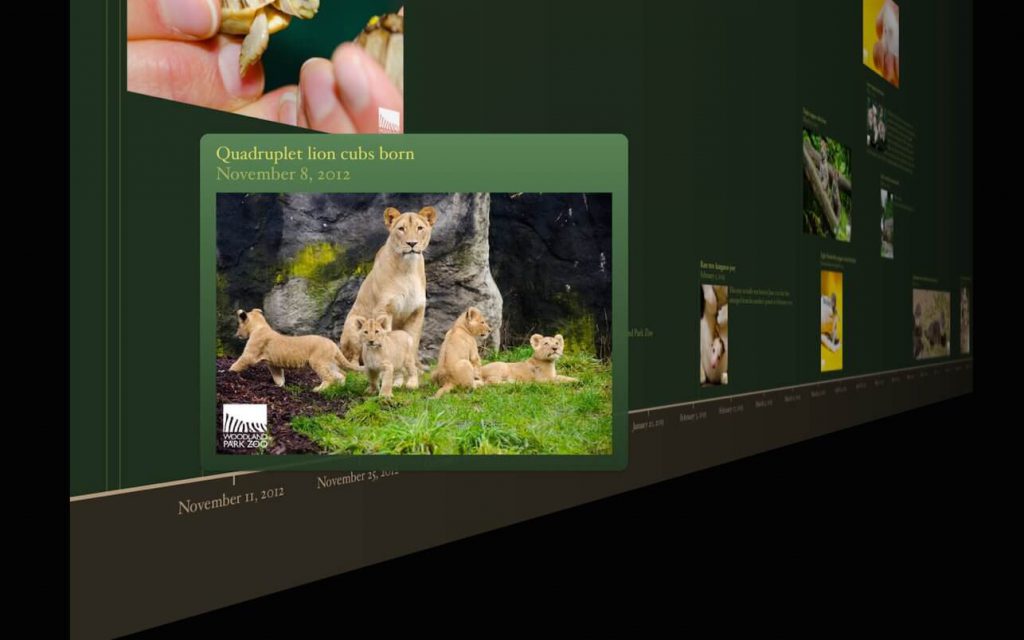
* ✨ **Trình bày 3D sống động:** Góc nhìn 3D xoay chuyển mượt mà.
* 🖼️ **Đa phương tiện phong phú:** Chèn hình ảnh, video, tài liệu dễ dàng.
* ✍️ **Nhập liệu thông minh:** Giao diện thân thiện, thêm sự kiện nhanh chóng.
* 🎨 **Tùy chỉnh sáng tạo:** Nhiều chủ đề và hiệu ứng độc đáo.
**Yêu cầu hệ thống:**
* **Hệ điều hành:** Yêu cầu macOS 10.15 (Catalina) trở lên 🍏.
* **Cấu hình tối thiểu:** Máy Mac Intel 64-bit, RAM 4GB+, dung lượng trống ~20MB 💾.
Hãy để Timeline 3D MacOs kể câu chuyện của bạn theo cách chưa từng có! 👍
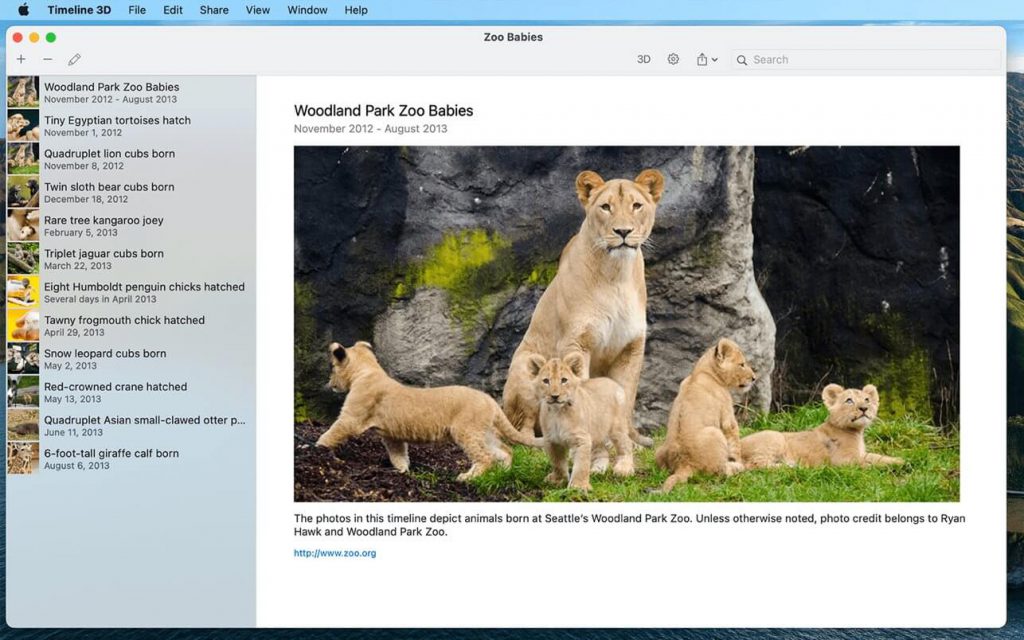
Timeline 3D là cách đơn giản nhất để tạo các mốc thời gian đa phương tiện đẹp mắt.
Trình bày các sự kiện lịch sử với timeline 3D để kết nối và làm rõ các mối quan hệ.Lập biểu đồ dòng thời gian về lịch sử thế giới, cây gia phả….Các mốc thời gian giúp bạn hiểu và trình bày mọi thứ với phong cách mới lạ.
Interesting facts about this article
INCLUDED FEATURES
- Present your timelines full screen and with 3D perspective
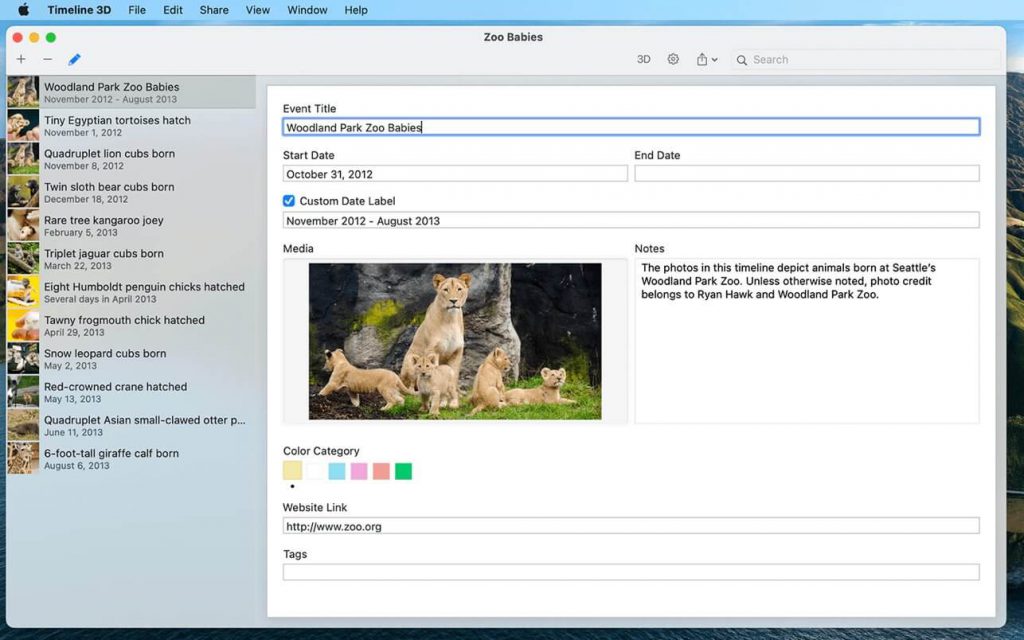
- Add images, movies, or PDFs to events
- Quickly enter events with dates and times in any global format
- Include optional information such as notes, web links, and tags
- Choose from different background themes
- Import your timelines from previous versions of Timeline 3D and Easy Timeline.
FEATURES WITH IN-APP PURCHASE
- Print your timelines on a single page, formatted for your paper size
- Export PDFs to share your timeline with anyone
- Export movies of your animated timeline at sizes up to 4K
- Export slideshows to PowerPoint and Keynote
- Export a WebGL website to add interactive 3D timelines to your website
- These features can be purchased individually or as a complete package.
TIPS & TRICKS
- Enable AirPlay Mirroring to view your events on your device while presenting your timeline
- On capable devices, use voice dictation to enter text and dates
- Use arrow keys to fly over events in a 3D presentation
- Use spacebar to zoom in on media files in your presentation
- Entering the date also sets the date format (for example, January 20, 2015 or 1/20/2015)
- Use iCloud or Dropbox to share timelines and media files between devices and your Mac
Tương thích: Catalina trở lên
Timeline_3D_5.2
Timeline_3D_5.3
Timeline_3D_5.3.1
Timeline_3D_5.3.2
Timeline_3D_5.4.0









