

Admin
03/12/2025
Share

## Vmware Fusion Pro 12 MacOs – Chạy Windows trên Mac: Giải pháp Tối ưu cho Người Dùng Cá Nhân 🚀
✨ Khám phá sức mạnh biến hóa MacBook của bạn thành một cỗ máy đa nhiệm đỉnh cao với **VMware Fusion Pro 12 for macOS**! 💻💨 Phần mềm đột phá này cho phép bạn chạy mượt mà hệ điều hành Windows ngay trên chiếc Mac yêu quý, mở ra vô vàn khả năng sáng tạo và làm việc không giới hạn. Dù bạn là nhà phát triển 👨💻, nhà thiết kế 🎨, hay đơn giản là người dùng cá nhân muốn trải nghiệm sự linh hoạt tối đa user 🌟, Fusion Pro 12 chính là chìa khóa!
✅ **Yêu cầu Phiên bản macOS:** Để cài đặt Vmware Fusion Pro 12, máy Mac của bạn cần chạy **macOS Catalina (10.15) trở lên** 🍏. Phiên bản này đảm bảo sự tương thích và hiệu suất tốt nhất cho phần mềm.
✅ **Cấu hình Tối thiểu:**
* **Bộ xử lý:** Máy Mac Intel 64-bit hoặc Apple Silicon 🍎.
* **RAM:** Tối thiểu **4 GB RAM** 🧠 (khuyến nghị 8 GB trở lên cho trải nghiệm mượt mà hơn).
* **Dung lượng ổ cứng:** Cần **750 MB** dung lượng trống cho Fusion Pro và **ít nhất 5 GB** cho mỗi máy ảo bạn tạo 💽.
🚀 Nâng tầm trải nghiệm Mac của bạn ngay hôm nay với VMware Fusion Pro 12 – Nơi Windows và macOS cùng tồn tại, song hành! 🌟💯
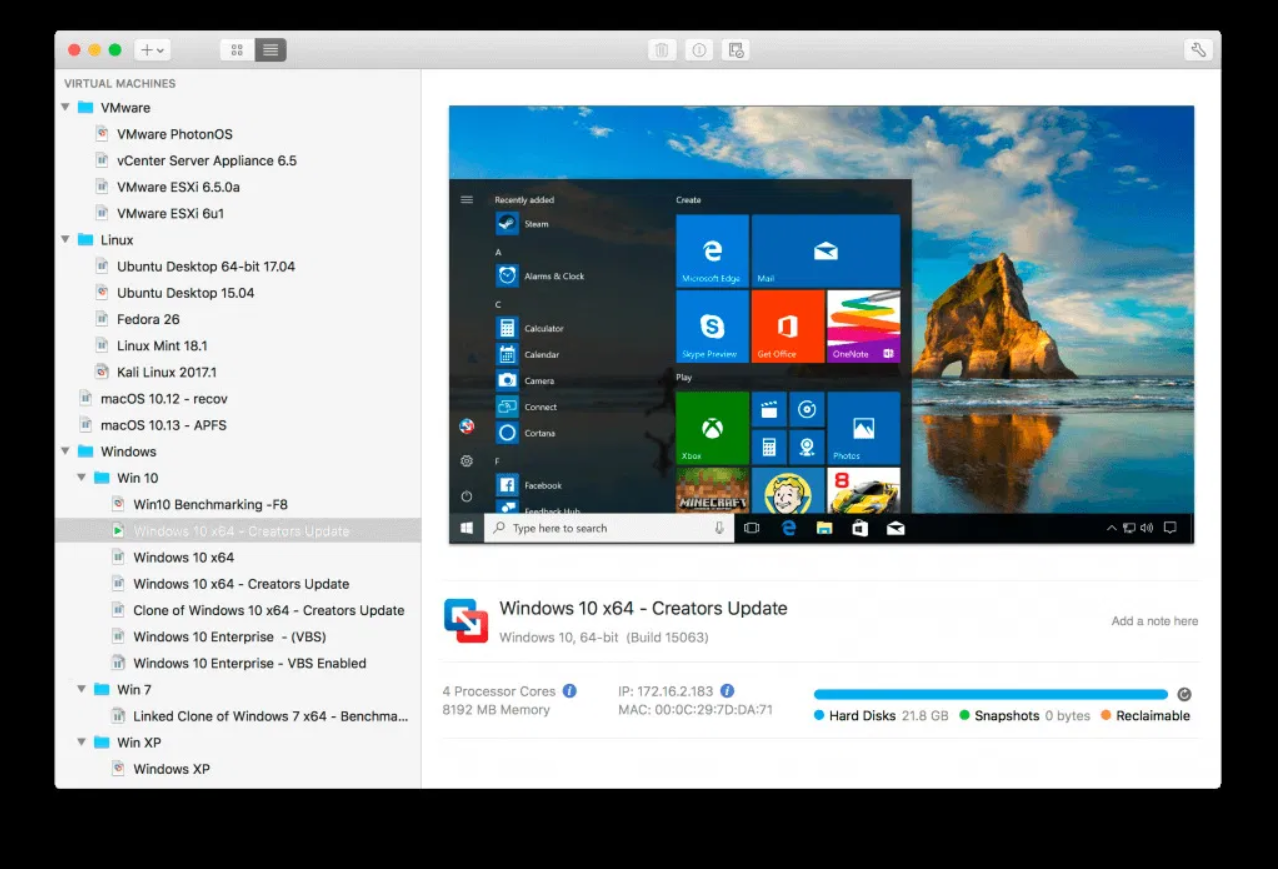
Phần mềm ảo hóa danh tiếng VMWare Fusion nâng cấp phiên bản mới cho phép chạy Windows 10 trên Mac OS cùng nhiều tính năng mới hết sức hấp dẫn. Phiên bản VMware Fussion 12 chỉ hỗ trợ macOS Catalina 10.15 trở lên và Windows 10 bản mới nhất của Microsoft.
Interesting facts about this article
Chạy đua với Parallel 16, Vmware cũng cho ra mắt bản Vmware Fusion 12, hỗ trợ Full cho macOS Big Sur, tuy nhiên bản Vmware Fusion 12 chỉ chạy trên macOS Catalina trở lên.
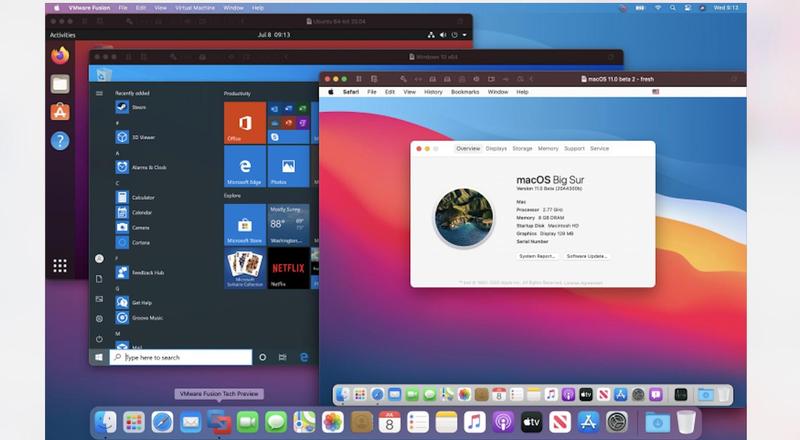
Chi tiết một số tính năng mới:
Tương thích: Chỉ chạy trên Catalina trở lên – Tương thích hoàn toàn Big Sur]
VMwareFusion12.0.0
VMware-Fusion-12.1.0-17163065
VMware-Fusion-12.1.1-17801503
VMware.Fusion.12.1.2
VMware Fusion Pro 12.2.0 Build 18760249
VMware-Fusion-12.2.1-18811640
VMware-Fusion-12.2.3-19436697
VMware.Fusion.Pro.12.2.4.20071091
VMware Fusion Pro v12.2.5-20904517
K3y có kèm trong file tải về. Hoặc có thể tải trực tiếp từ trang chủ rồi active bằng Key sau
ZF3R0-FHED2-M80TY-8QYGC-NPKYF

YF390-0HF8P-M81RQ-2DXQE-M2UT6

ZF71R-DMX85-08DQY-8YMNC-PPHV8
Bạn nào đang chạy MacOS Mojave về trước thì tải bản cũ hơn tại đây









